Viewing Redis Data
If using Docker Compose, start RedisInsight with:
docker compose --profile tools up -dThen open http://localhost:5540 and connect to redis://default@redis:6379.
Alternatively, run RedisInsight manually:
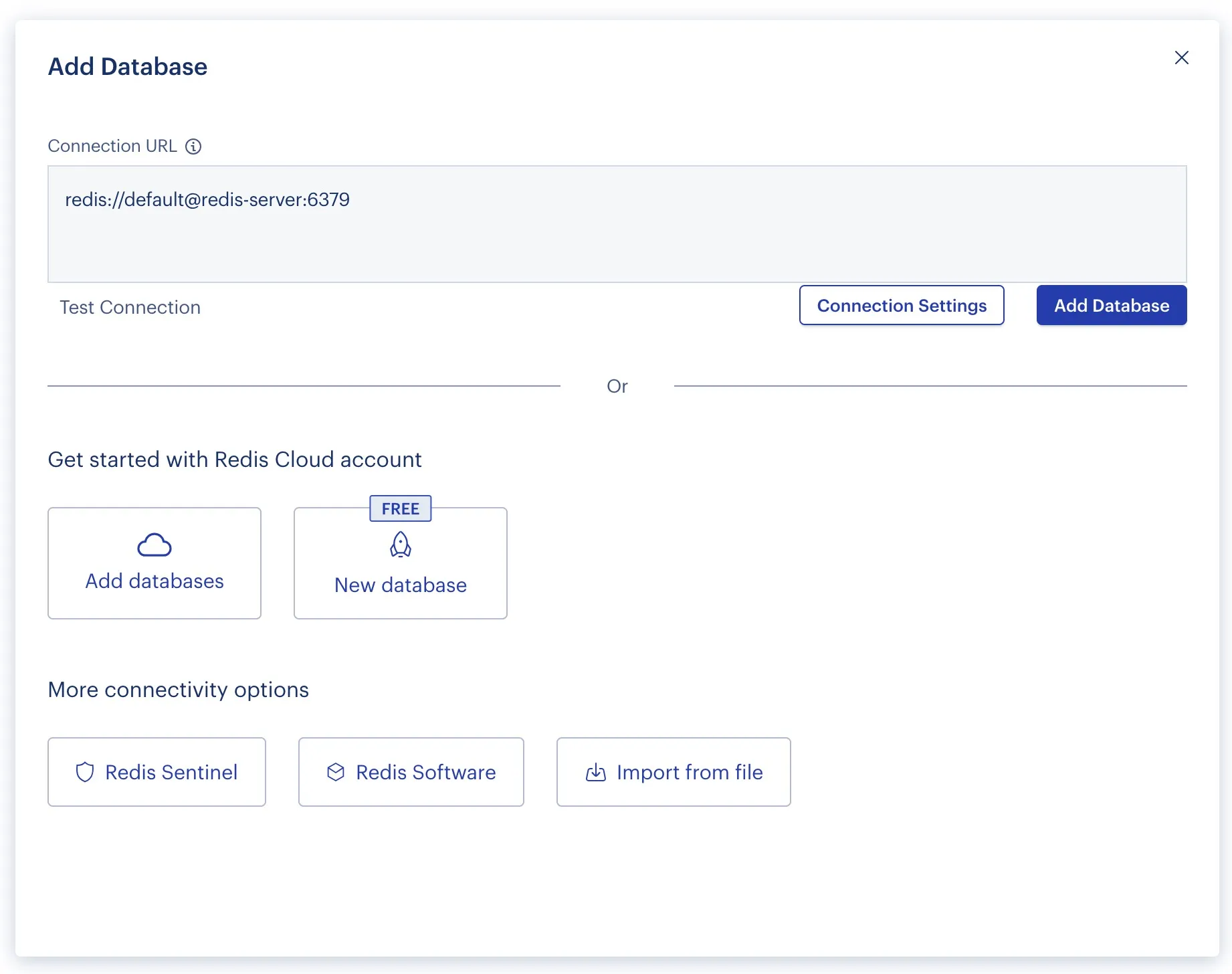
docker run -d --name redisinsight -p 5540:5540 -v redisinsight:/data --network authproxy redis/redisinsight:latestAdd a connection to redis. Connect to the redis server using the following URI:
redis://default@redis-server:6379